12 Best AI Tools for Image Generation
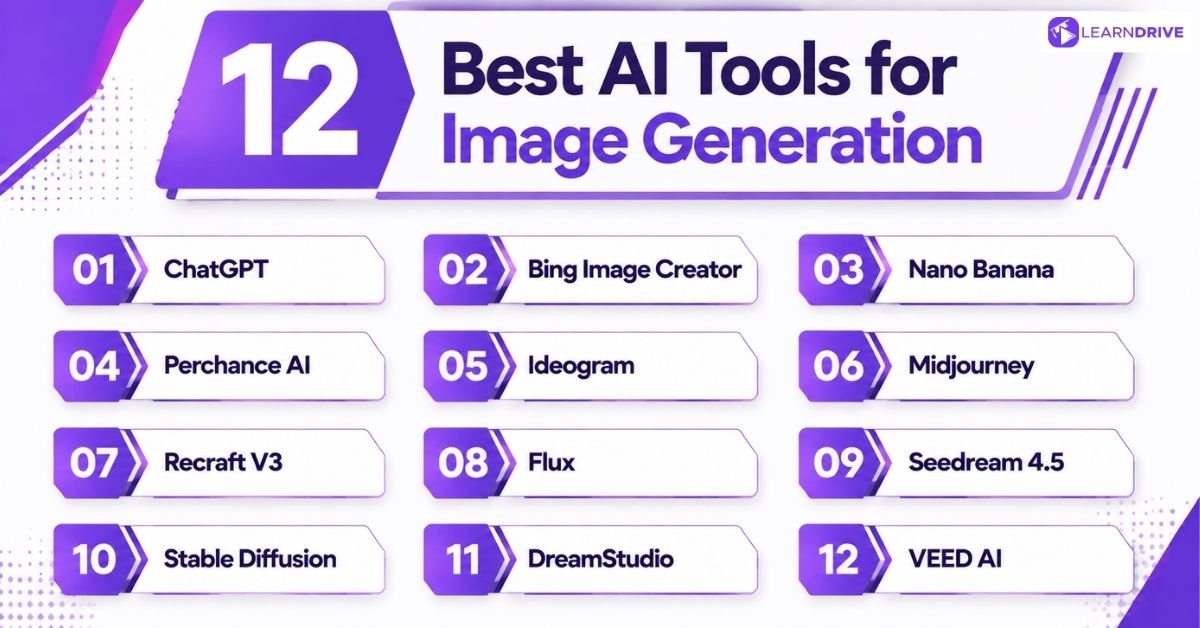
Each of these tools brings something different to the table — some excel at photorealism, others at branding, typography, or quick social content. Here’s a breakdown of the top 12, along with their pros and cons.
1. ChatGPT: Best AI Image Generator for Everyday Creative Tasks
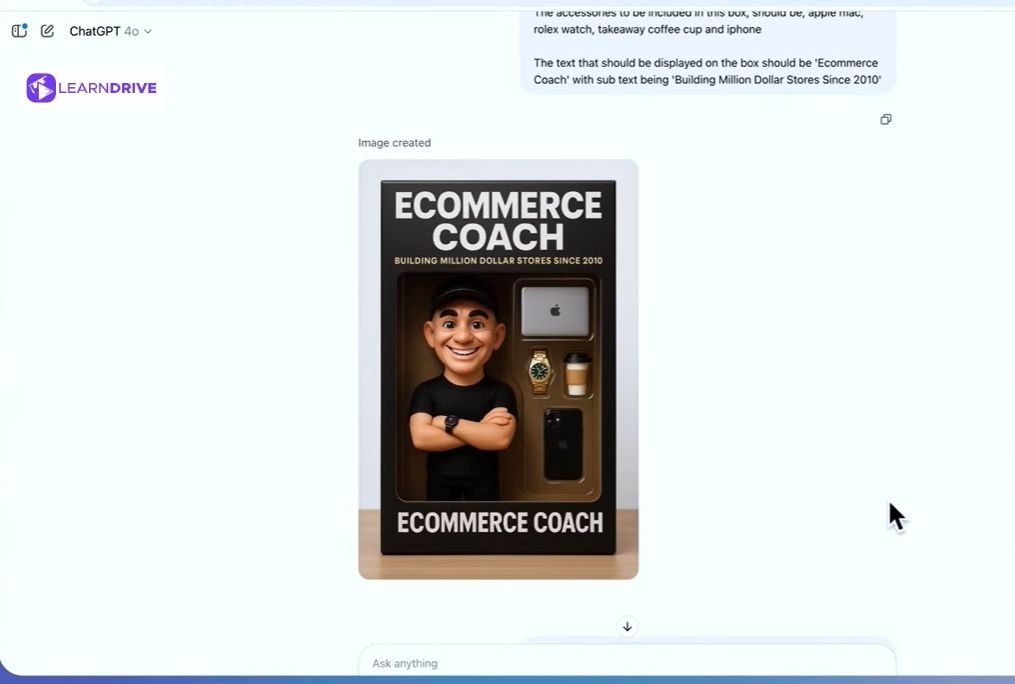
ChatGPT makes image creation feel like a conversation. You can generate visuals from a simple text prompt, ask for edits on the fly, and refine ideas back and forth without switching tools.
Pros:
Easy, conversational prompting
Can edit images through chat
Great for brainstorming visuals
Handles text-to-image and image-to-image
Cons:
Less control over fine artistic detail
Not ideal for advanced professional artwork
2. Bing Image Creator: Best Free AI Image Generator
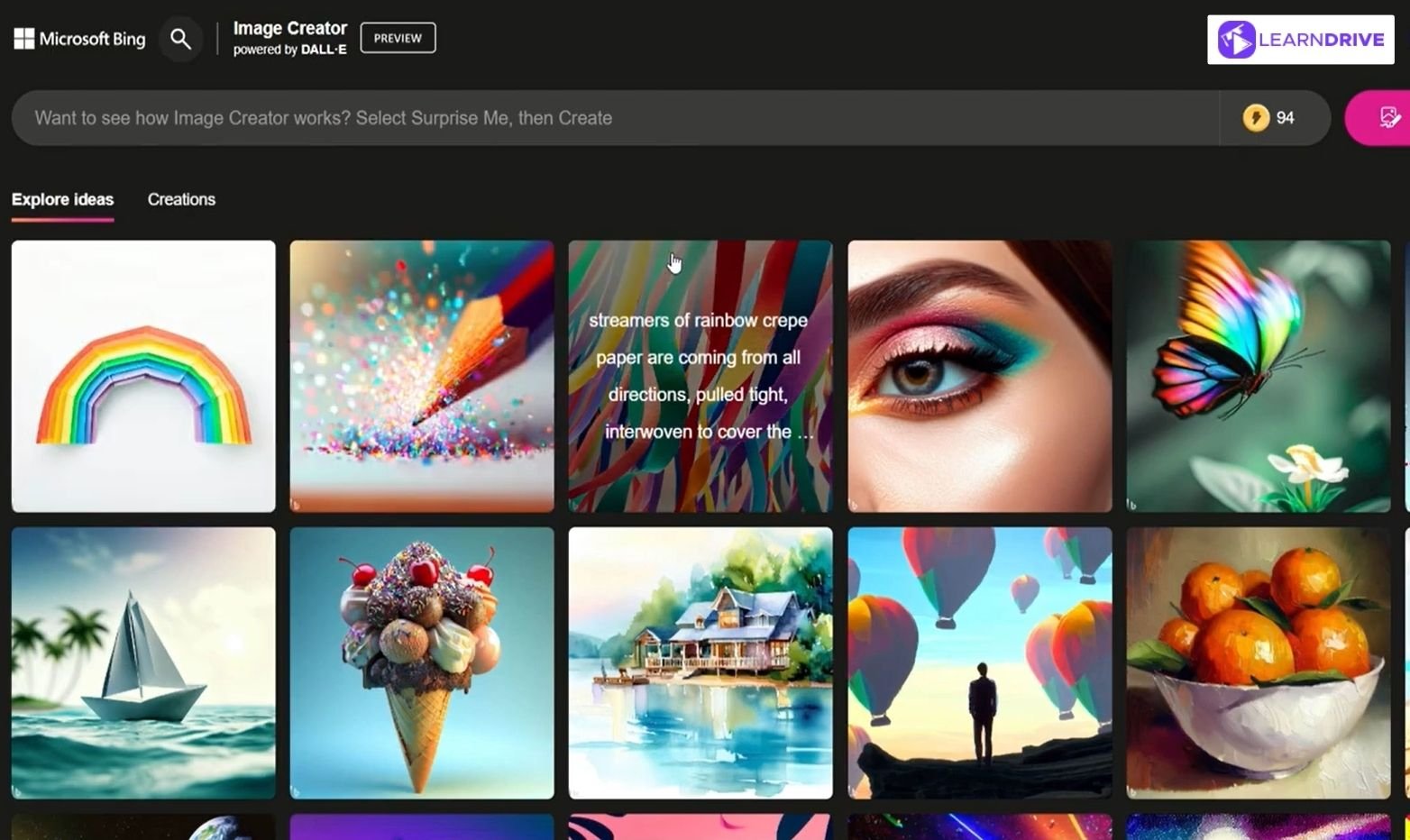
Bing Image Creator gives anyone free access to AI image generation, backed by Microsoft’s ecosystem. It’s built for quick, no-fuss visuals rather than heavy customization.
Pros:
Completely free to use
Simple, beginner-friendly interface
Integrated with Microsoft tools
Cons:
Limited customization options
Output quality varies
3. Nano Banana: Best AI Tool for Image Editing and Consistency

Nano Banana focuses on keeping subjects and styles consistent across multiple images, making it a solid pick for editing and transforming existing visuals rather than generating from scratch.
Pros:
Strong character consistency
Great for editing existing images
Keeps style uniform across sets
Cons:
Less known, smaller community
Fewer style presets
4. Perchance AI: Best Free AI Image Generator Without Complexity
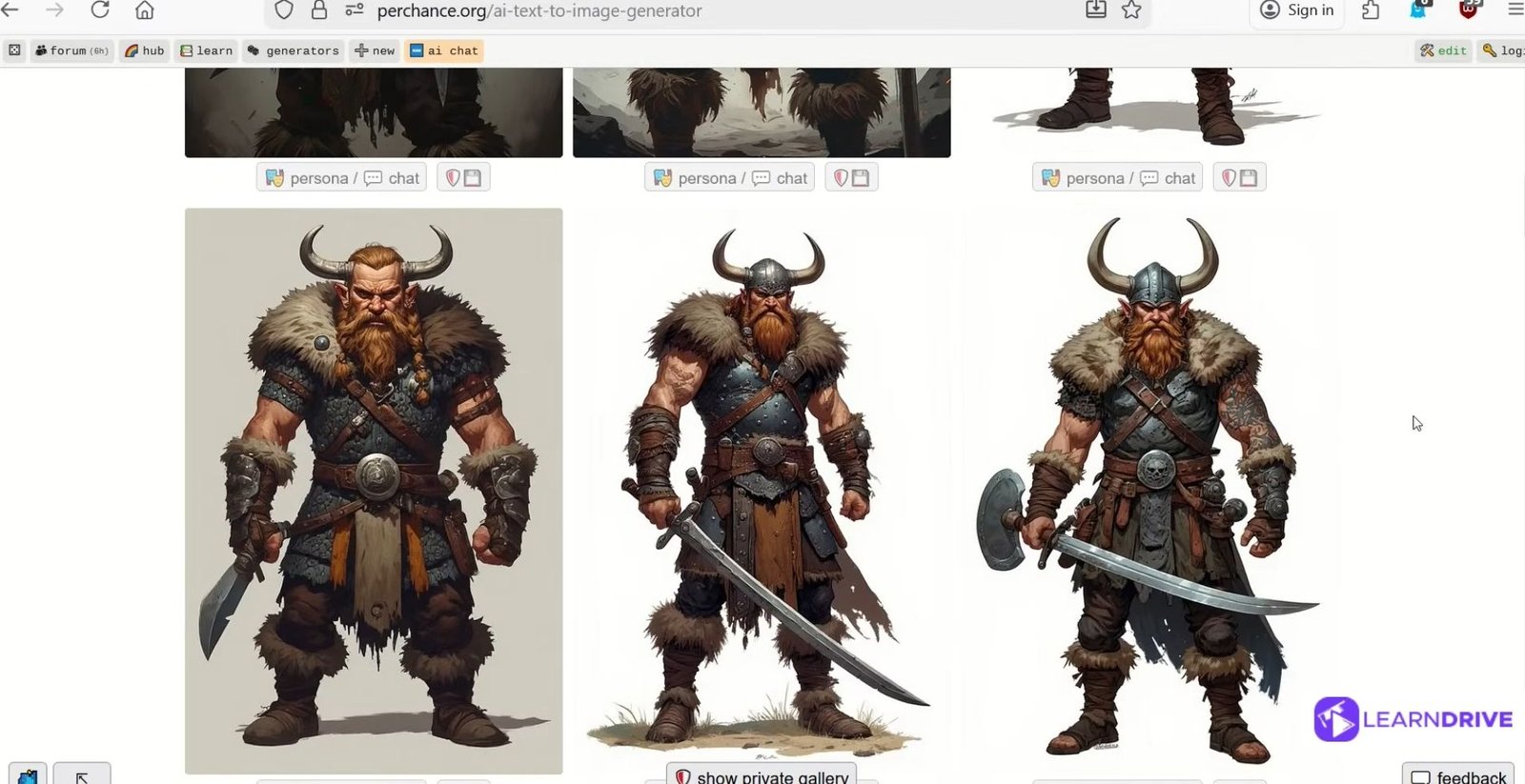
Perchance AI strips away the complexity, offering a simple way to experiment with different art styles without needing an account or technical know-how.
Pros:
No sign-up required
Very simple to use
Multiple art styles available
Cons:
Lower resolution outputs
Not suited for commercial-grade work
5. Ideogram: Best AI Image Generator for Text and Typography
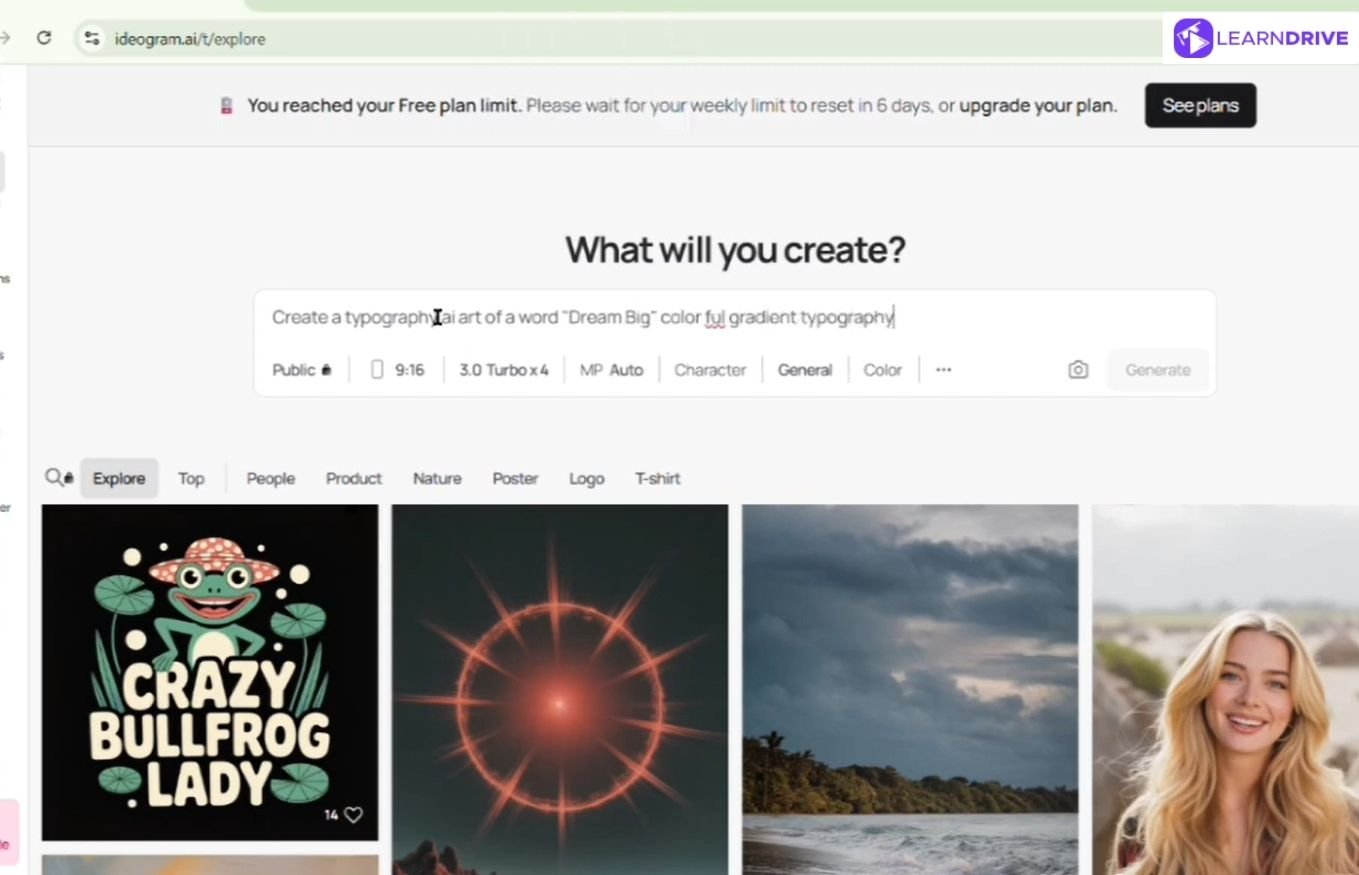
Ideogram stands out for generating images with clean, readable text baked in — a common weak point for most AI generators. It’s a natural fit for posters, logos, and social graphics.
Pros:
Excellent at rendering readable text
Great for posters and logos
Strong typography control
Cons:
Less focus on photorealism
Smaller free tier
6. Midjourney: Best AI Tool for Artistic Image Quality
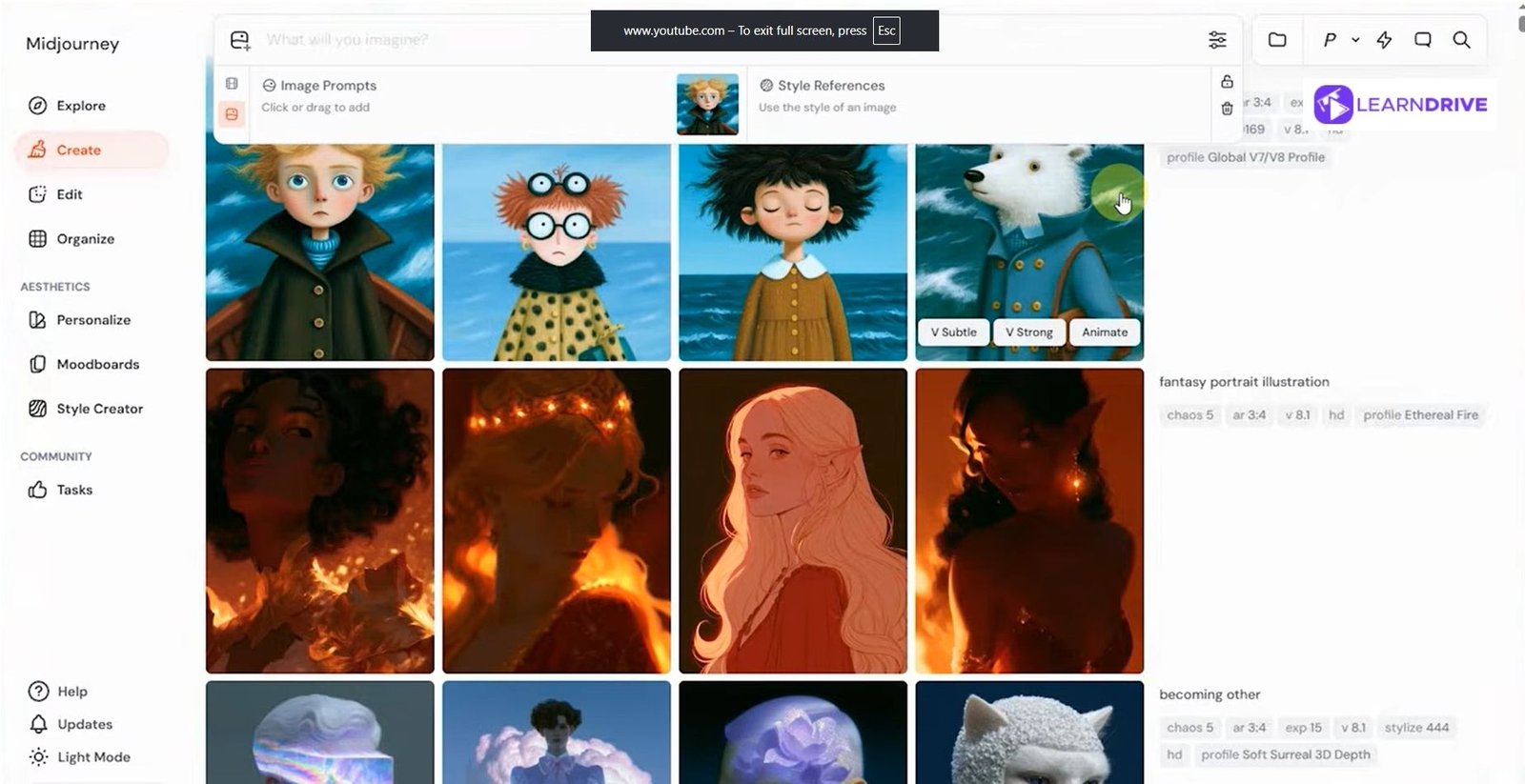
Midjourney is known for producing highly detailed, artistic visuals that feel professionally crafted. It’s a favorite among artists and creatives who prioritize aesthetic quality.
Pros:
Outstanding artistic detail
Highly stylized, professional results
Strong community and presets
Cons:
No free plan
Discord-based workflow can feel clunky
7. Recraft V3: Best AI Generator for Logos and Vector Designs
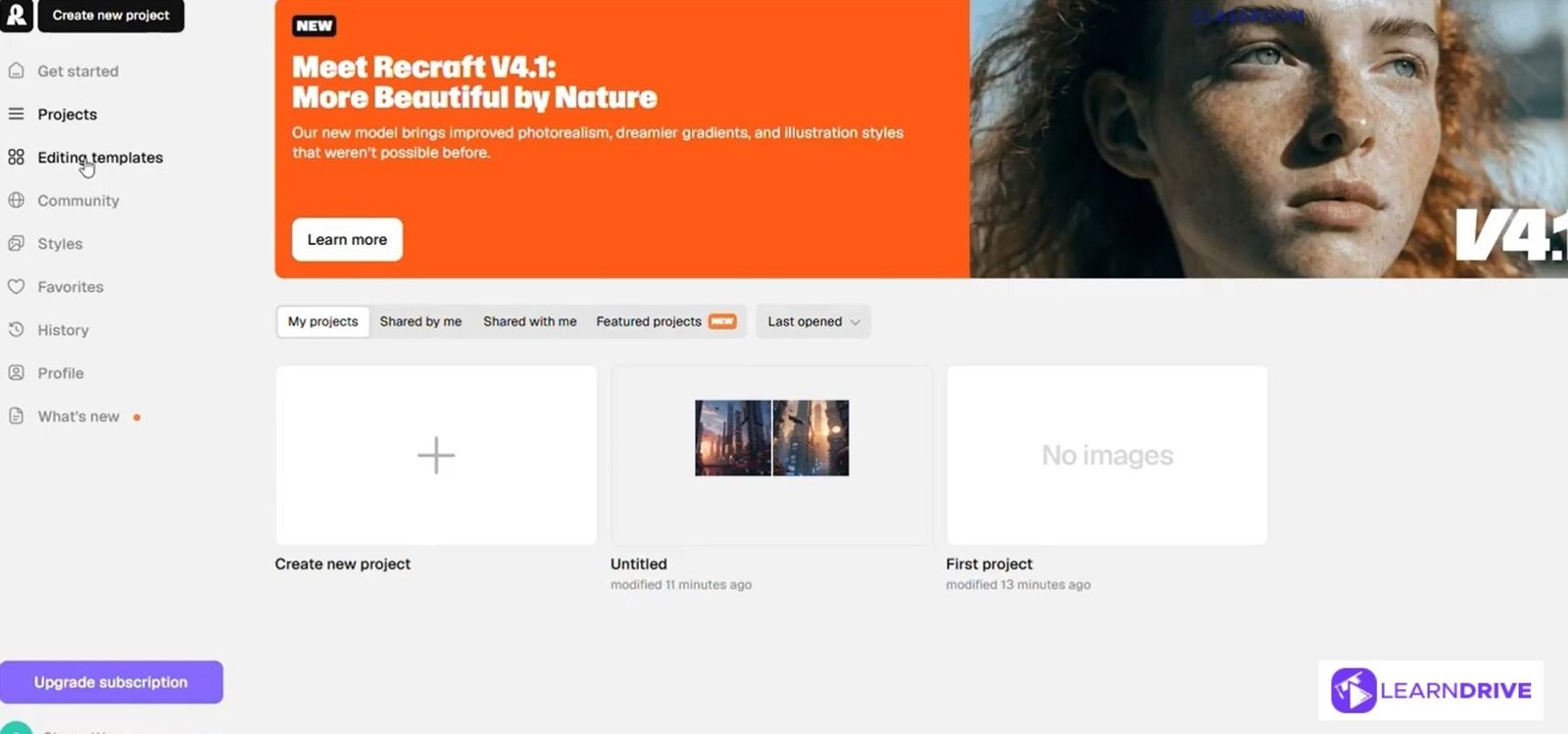
Recraft V3 is built with brands and designers in mind, specializing in clean vector graphics, icons, and logo-ready assets rather than photorealistic scenes.
Pros:
Clean vector output
Great for brand assets and icons
Business-friendly styles
Cons:
Less useful for realistic photos
Learning curve for vector features
8. Flux: Best AI Image Generator for Realistic Photos
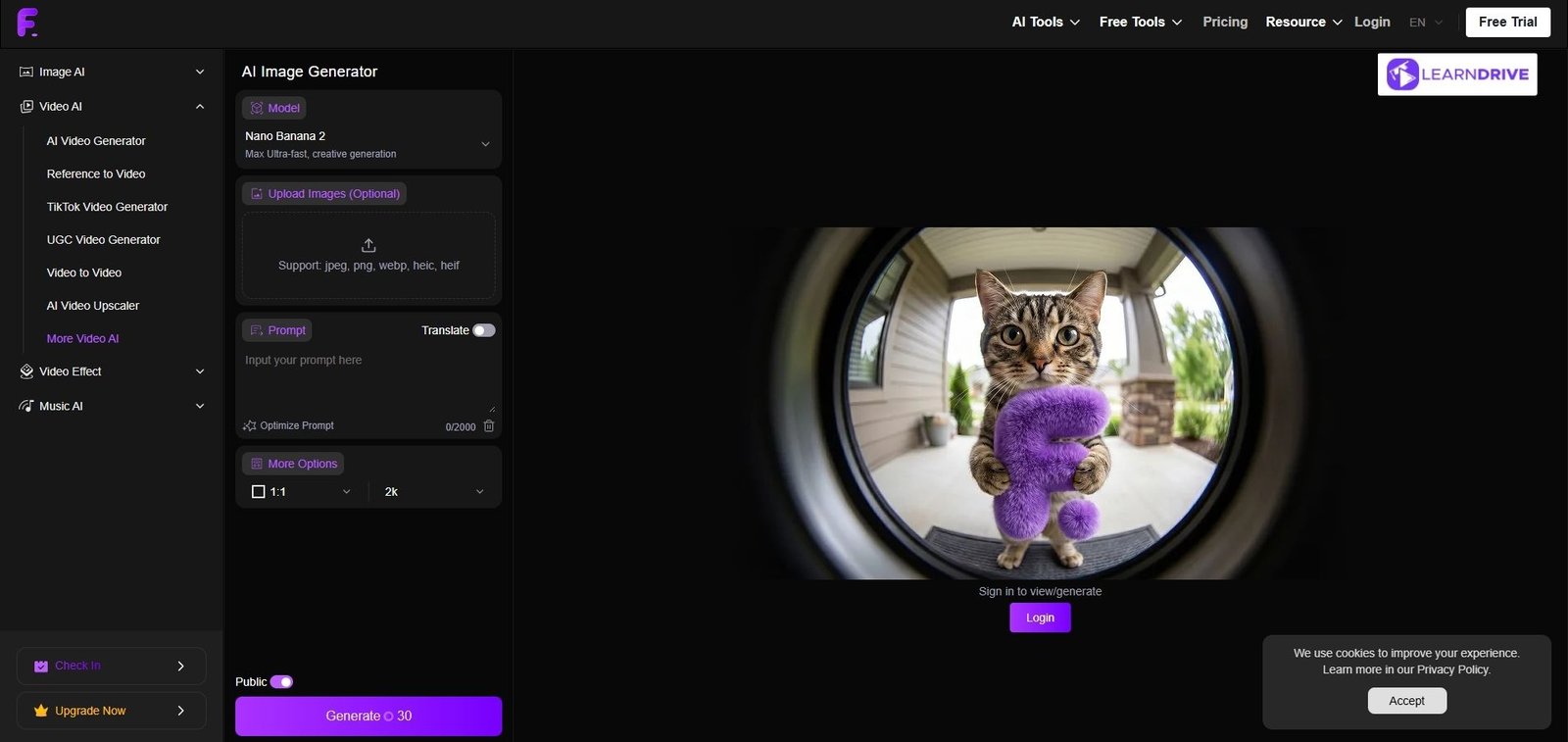
Flux is designed to produce lifelike images with natural lighting and detail, making it a strong choice for marketing visuals that need to look like real photography.
Pros:
Highly photorealistic results
Strong natural lighting and detail
Great for marketing visuals
Cons:
Less suited for stylized art
Can be resource-intensive
9. Seedream 4.5: Best for Consistent Product Images
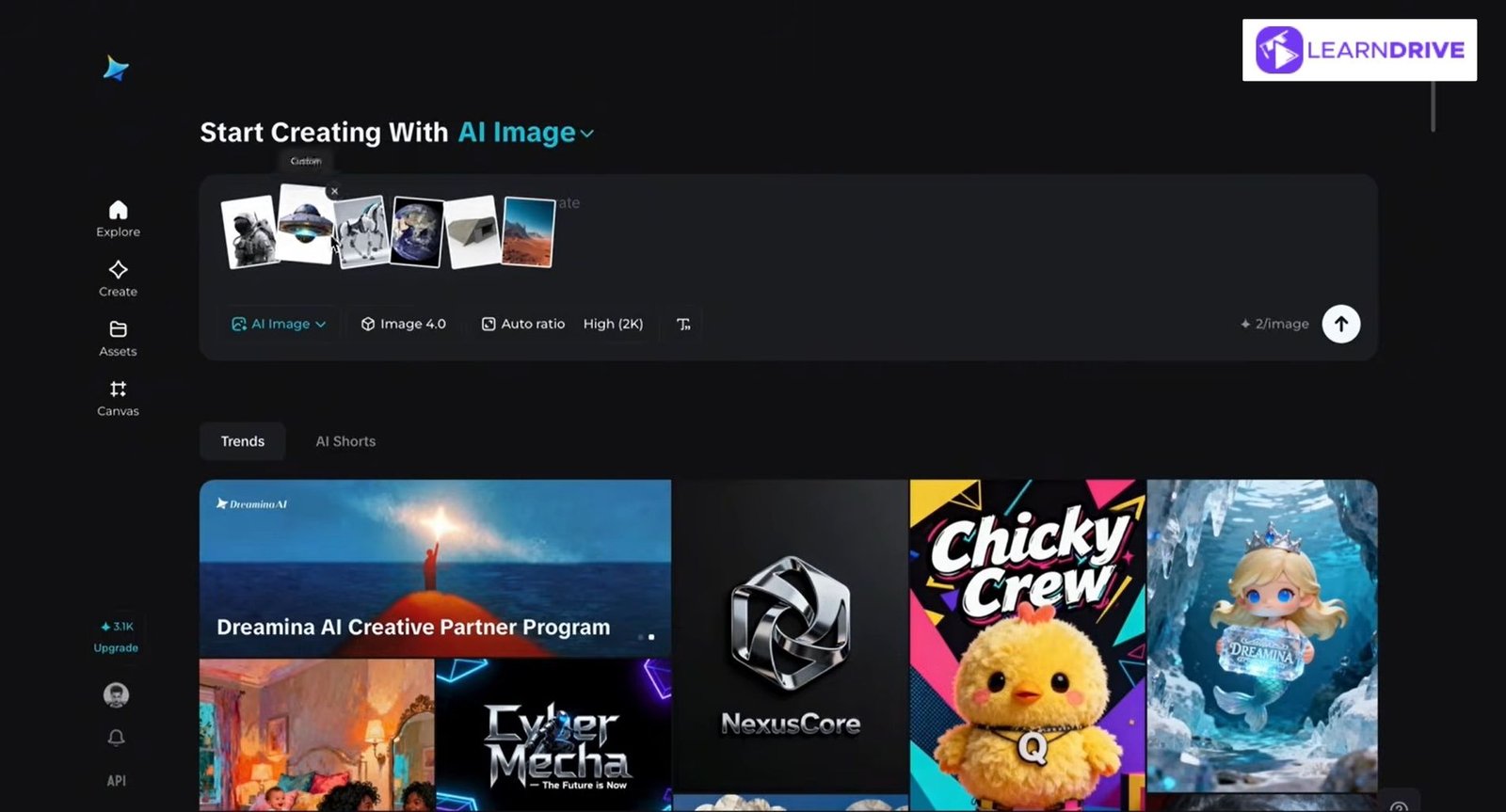
Seedream 4.5 is tailored for e-commerce and product marketing, keeping visual style and quality consistent across large batches of product images.
Pros:
Reliable product consistency
Great for e-commerce visuals
Clean commercial-grade output
Cons:
Narrower use case
Less flexible for creative art
10. Stable Diffusion: Best Open-Source AI Image Generator
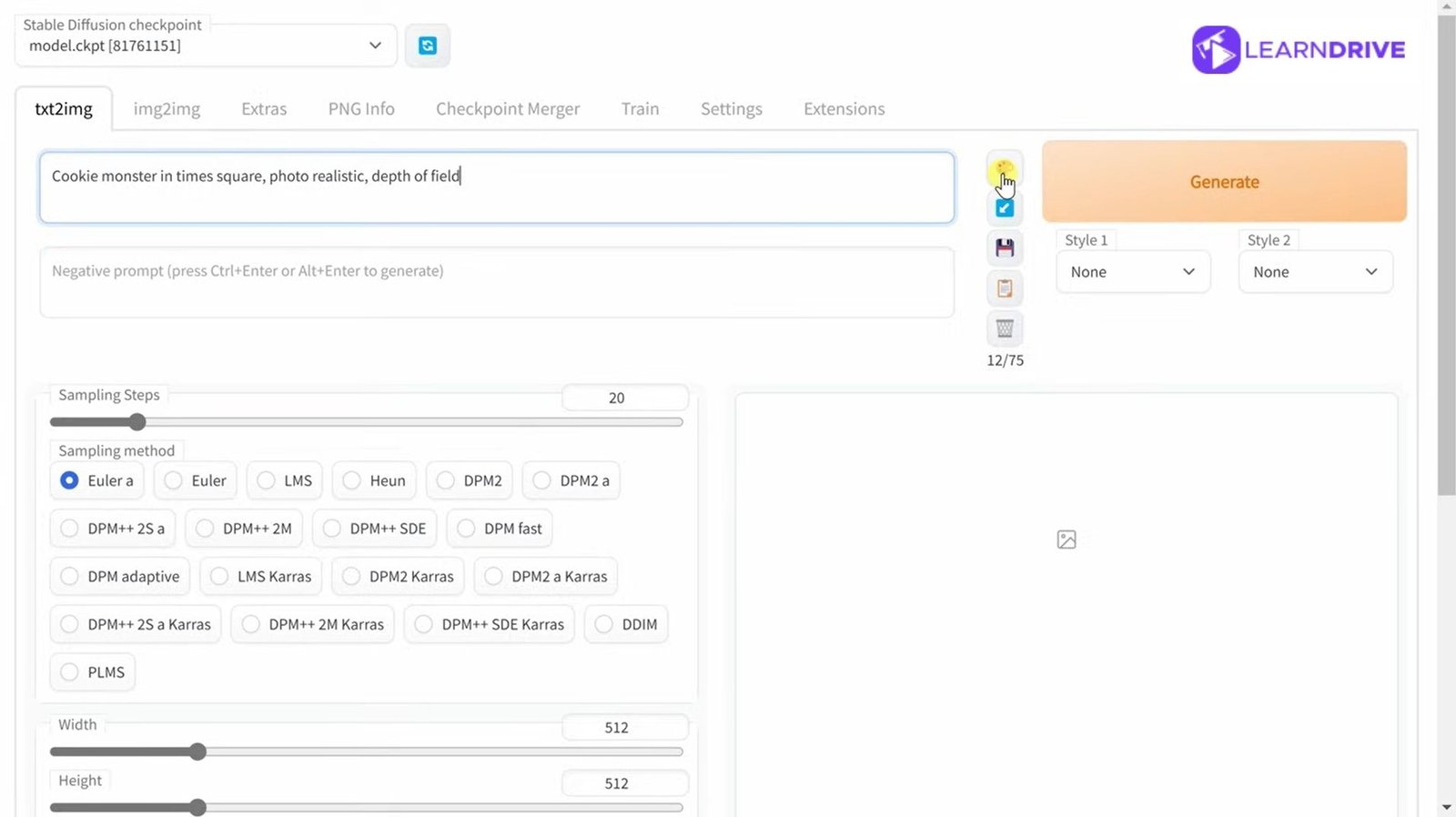
Stable Diffusion is the go-to for users who want full control. Being open-source, it supports endless customization through community-built models and extensions.
Pros:
Fully open-source and customizable
Large community and model library
Advanced technical control
Cons:
Steep learning curve
Requires setup or technical skill
11. DreamStudio: Best AI Art Generator Powered by Stable Diffusion
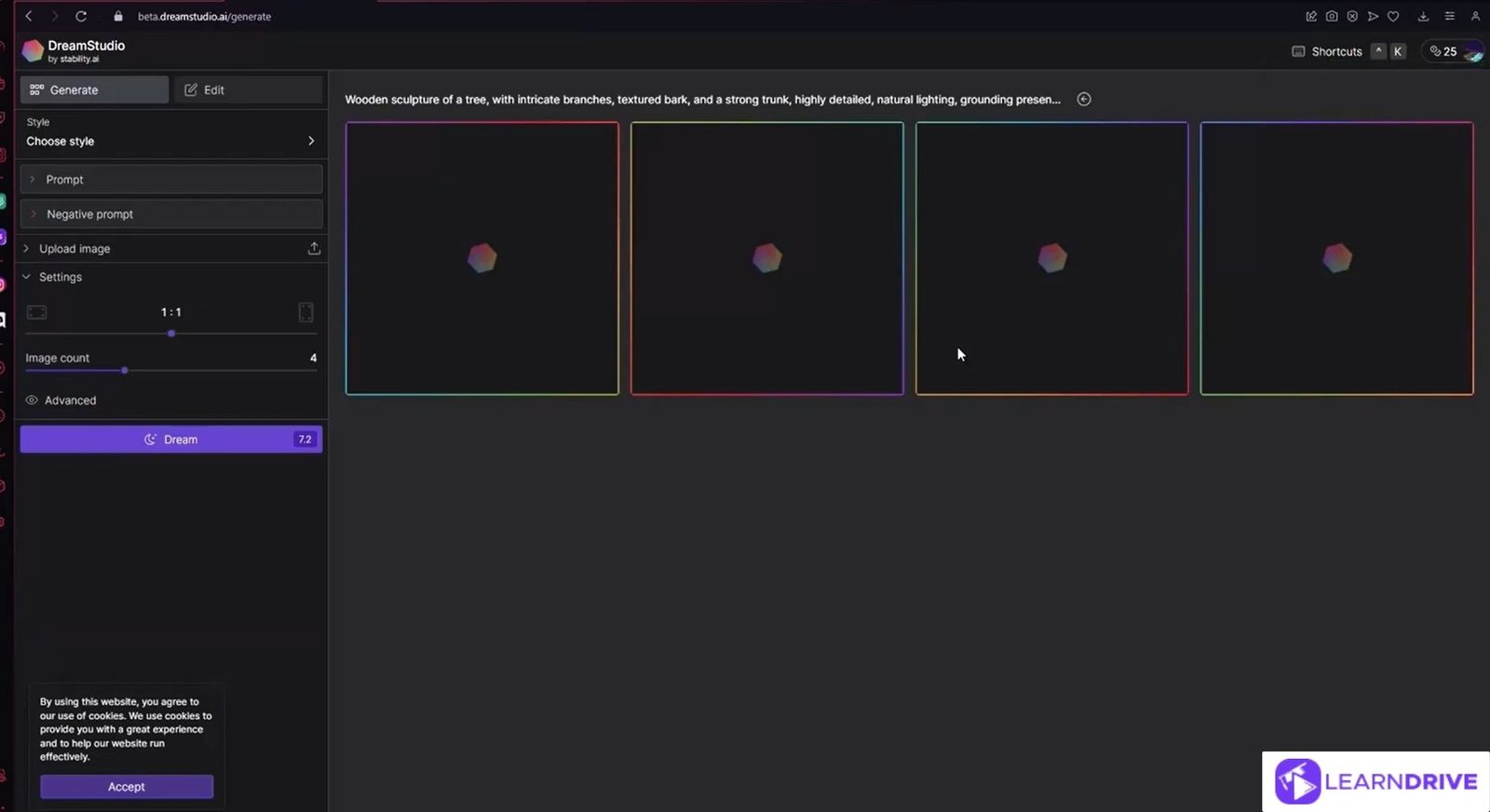
DreamStudio packages the power of Stable Diffusion into a more user-friendly interface, making advanced image generation accessible without command-line setup.
Pros:
Access to Stable Diffusion models
Good variation and style controls
User-friendly interface
Cons:
Credit-based pricing can add up
Less unique than base Stable Diffusion
12. VEED AI: Best for Social Media Visual Content
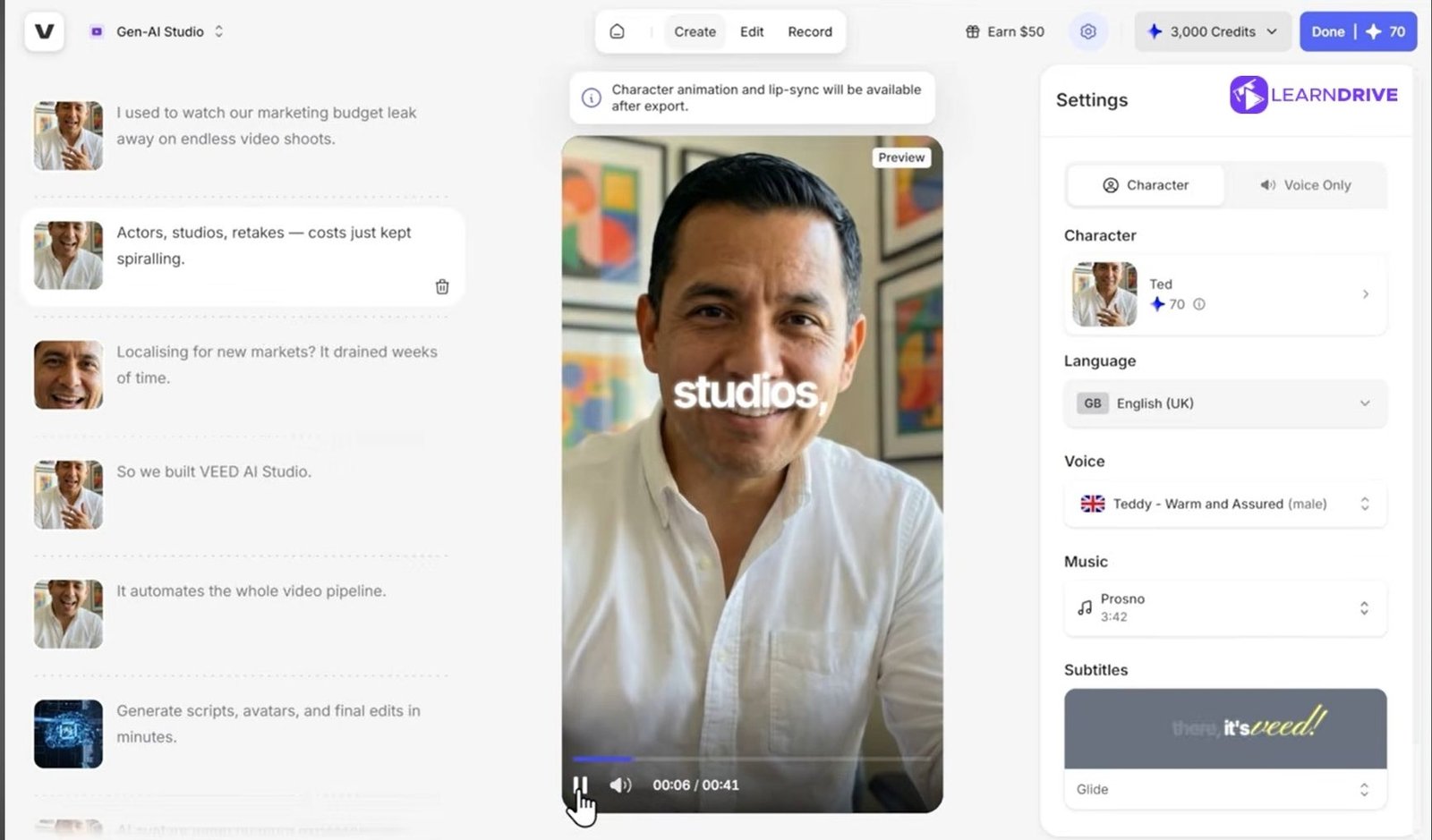
VEED AI is built for creators who need visuals as part of a larger video or social media workflow, rather than standalone image generation.
Pros:
Built for video and social content
Smooth creator workflow
Good for marketing teams
Cons:
Not a dedicated image tool
Limited standalone image features

Top 5 Places to Get Inspired Before Creating AI Images

Good AI images rarely come from a blank prompt. They start with a clear picture of what you want. These five platforms are great starting points to collect ideas, colours, and styles before you begin.
1. Pinterest
Start here if you are still figuring out what you want. Search a broad term like “minimalist branding” or “fantasy landscape” and save anything that catches your eye.
Over time, your saved pins form a mood board that shows your own taste more clearly than words can. When you sit down to write a prompt, describe what most of your saved pins have in common, whether that is soft lighting, pastel colours, or a certain layout style.
2. Behance
This platform is where designers and agencies post full case studies, not just single images. It becomes useful when you need to understand how a style is applied across a full project, like a logo used on packaging, a website, and social posts.
Study how colours repeat across a project and how spacing and composition stay consistent. These are details you can directly describe in a prompt when asking for branding or product visuals.
3. Unsplash
For photorealism, this is the strongest option on the list. Instead of just browsing for pretty photos, look closely at how light falls on a subject, from which direction, and how soft or sharp the shadows are. Note the camera angle too: eye-level, from above, or close-up.
These small observations translate directly into prompt language like “soft natural lighting,” “shot from a low angle,” or “shallow depth of field.”
4. Dribbble
UI and graphic designers mostly live here, which makes it a strong source for modern, trend-driven visuals. It works especially well if you want icons, app mockups, or bold flat-style graphics.
Pay attention to how shapes and colours are simplified. Many shots use limited colour palettes, a detail worth copying into your own prompts for a cleaner, more modern look.
5. ArtStation
For anything artistic, fantasy, or character-based, this is the go-to. If you are aiming for a painterly or cinematic style, you will find the clearest examples here.
Look at how artists describe lighting, mood, and texture. Borrow that language for your own prompts. Words like “dramatic lighting” or “concept art style” work well. Terms like “hyper-detailed” are also common. These phrases often come straight from how artists describe their own pieces.
Once you have spent time on even two or three of these platforms, you will naturally start noticing patterns in what you like. That pattern, whether it is a colour palette, a lighting style, or a mood, is exactly what turns a vague idea into a strong, specific AI prompt.
3 Ways to Write AI Image Prompts That Actually Work

Most people write vague prompts and then wonder why the output looks off. The AI is not reading your mind. It only knows what you type. The more specific and structured your prompt is, the closer the result gets to what you actually pictured. Here is how to break your prompt into parts that actually work.
1. Describe the Subject Clearly
Always start with the main subject of the image. State exactly what it is. Is it a person, an animal, an object, or a place? Add specific details around it too. Mention age, clothing, pose, or expression for people. Mention size, material, or colour for objects.
Mention time of day or setting for places. The goal is to leave as little room for guessing as possible. A vague subject line like “a woman in a city” will give random results every time. A clear one like “a young woman in a red coat walking through a rainy city street at night” gives the AI something solid to work with.
2. Add Style and Visual Details
Once the subject is clear, focus on how it should look. Mention the overall style first, such as realistic, cinematic, illustration, or 3D render. Then add lighting details. Terms like “soft daylight,” “golden hour,” or “neon glow” change the entire feel of an image.
Camera angle matters just as much. Words like “close-up,” “wide shot,” or “bird’s eye view” tell the AI how to frame the scene. Lens type is another detail people often skip. Mentioning something like “35mm lens,” “85mm portrait lens,” or “wide-angle lens” pushes the image toward a more photographic, professional look.
Finally, add mood. Words like “calm,” “dramatic,” or “moody” tie the lighting, colour, and composition together into one consistent feeling.
3. Specify What You Do Not Want
Negative prompts are just as important as positive ones. If you keep getting extra limbs or distorted hands, say clearly that you don’t want that. If you don’t want text, logos, or watermarks in the image, mention that directly.
If the background keeps coming out too busy, ask for a plain or blurred background instead. This step often gets skipped, but it saves a lot of time. Instead of regenerating the image five or six times, you fix the issue in the prompt itself.
How to Choose the Right AI Image Generator for Your Needs
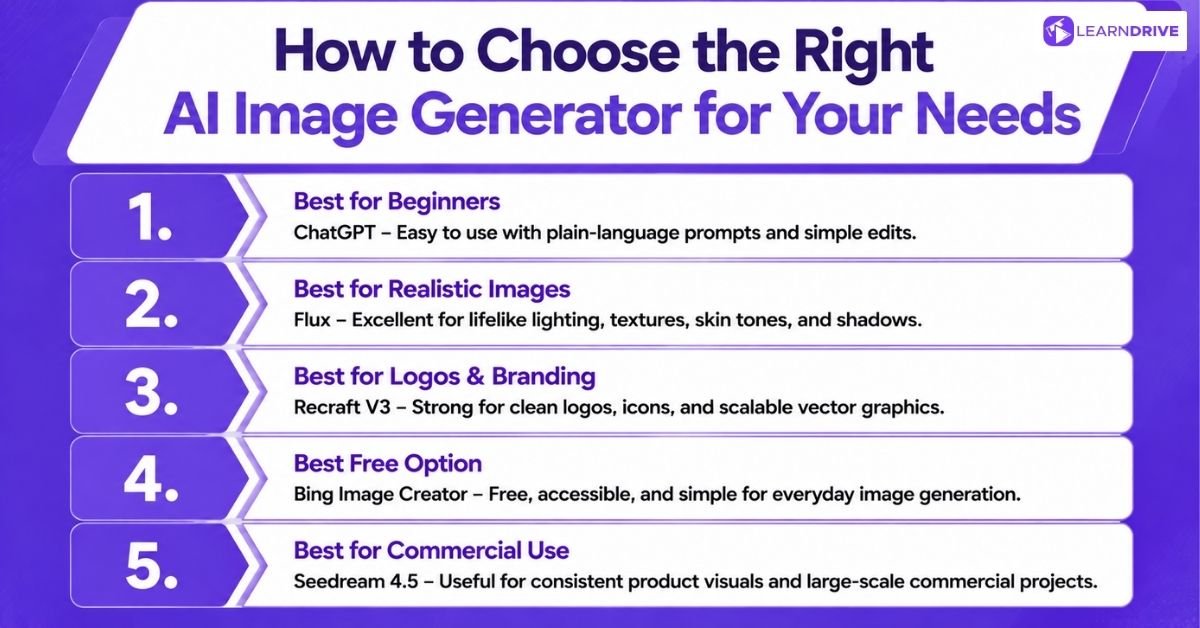
Not every tool fits every purpose. The best choice depends on what you’re actually trying to create. Here’s a quick breakdown by use case.
1. Best AI Image Generator for Beginners
ChatGPT is the easiest starting point. You just type what you want in plain language. There is no complicated interface to learn. It also lets you fix mistakes through simple follow-up messages.
2. Best AI Image Generator for Realistic Images
Flux leads here. It produces natural lighting and lifelike detail. Skin tones, textures, and shadows look convincing. This makes it ideal for marketing and photography-style visuals.
3. Best AI Image Generator for Logos and Branding
Recraft V3 is built for this exact purpose. It creates clean vector graphics. Logos, icons, and brand assets come out sharp and scalable. Designers rely on it for professional branding work.
4. Best Free AI Image Generator
Bing Image Creator wins on pure accessibility. It costs nothing to use. The interface is simple. It works well for casual, everyday visuals.
5. Best AI Image Generator for Commercial Use
Seedream 4.5 stands out for commercial projects. It keeps product visuals consistent across large batches. This matters for e-commerce brands managing many listings at once.